
XiaDown
A media library manager with video download support
Also a YouTube, YouTube Music, and RSS client.
DOWNLOAD
Choose the right version
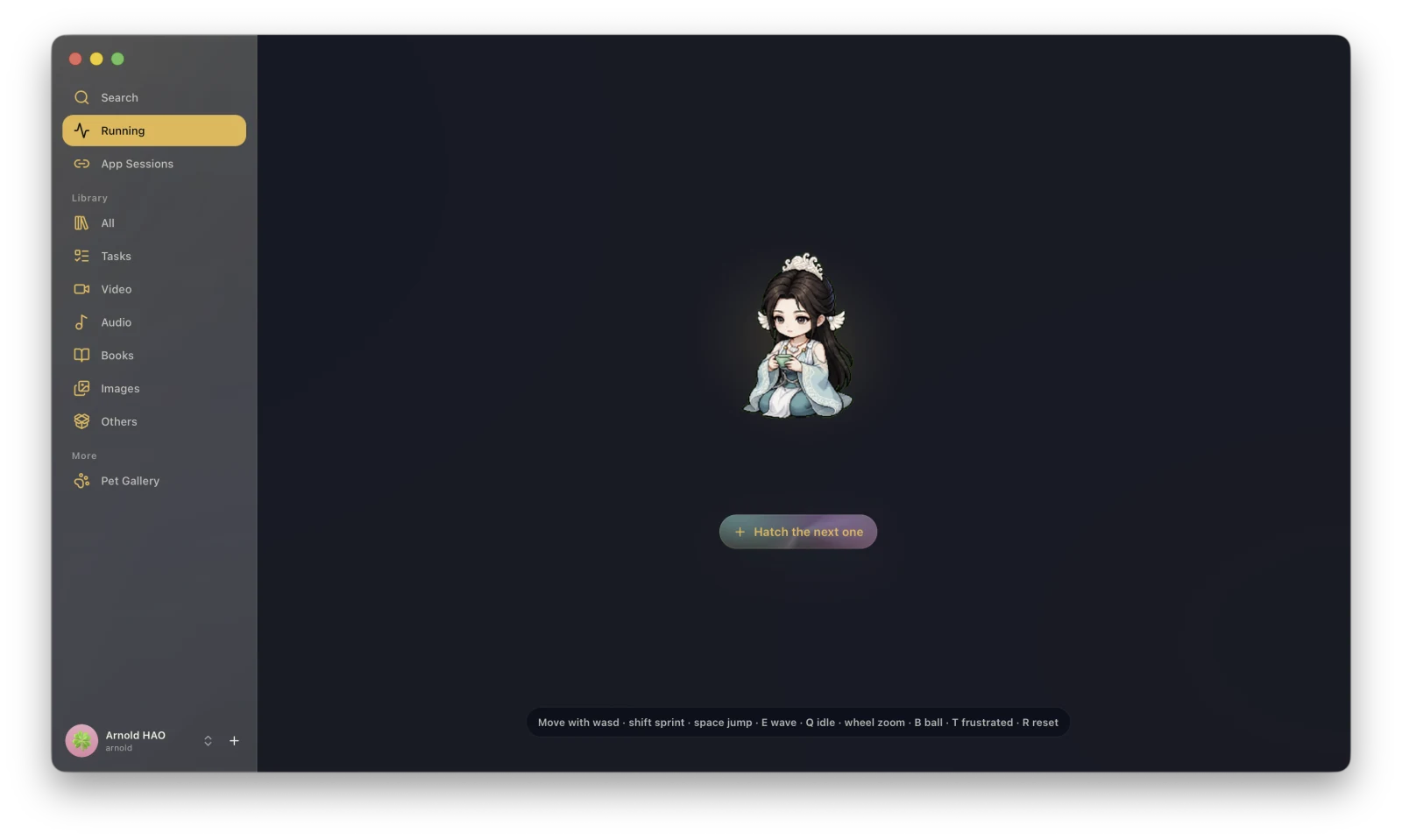
Available for macOS and Windows. On first launch, XiaDown guides you through the required runtime checks.
Video downloads, transcoding, and library management
Paste a video URL to create a download task, then choose formats, subtitles, and transcoding options as needed. Completed downloads can be browsed, played, and managed by task or media type in the library.
- Video downloads
- Audio/video transcoding
- Task and file management
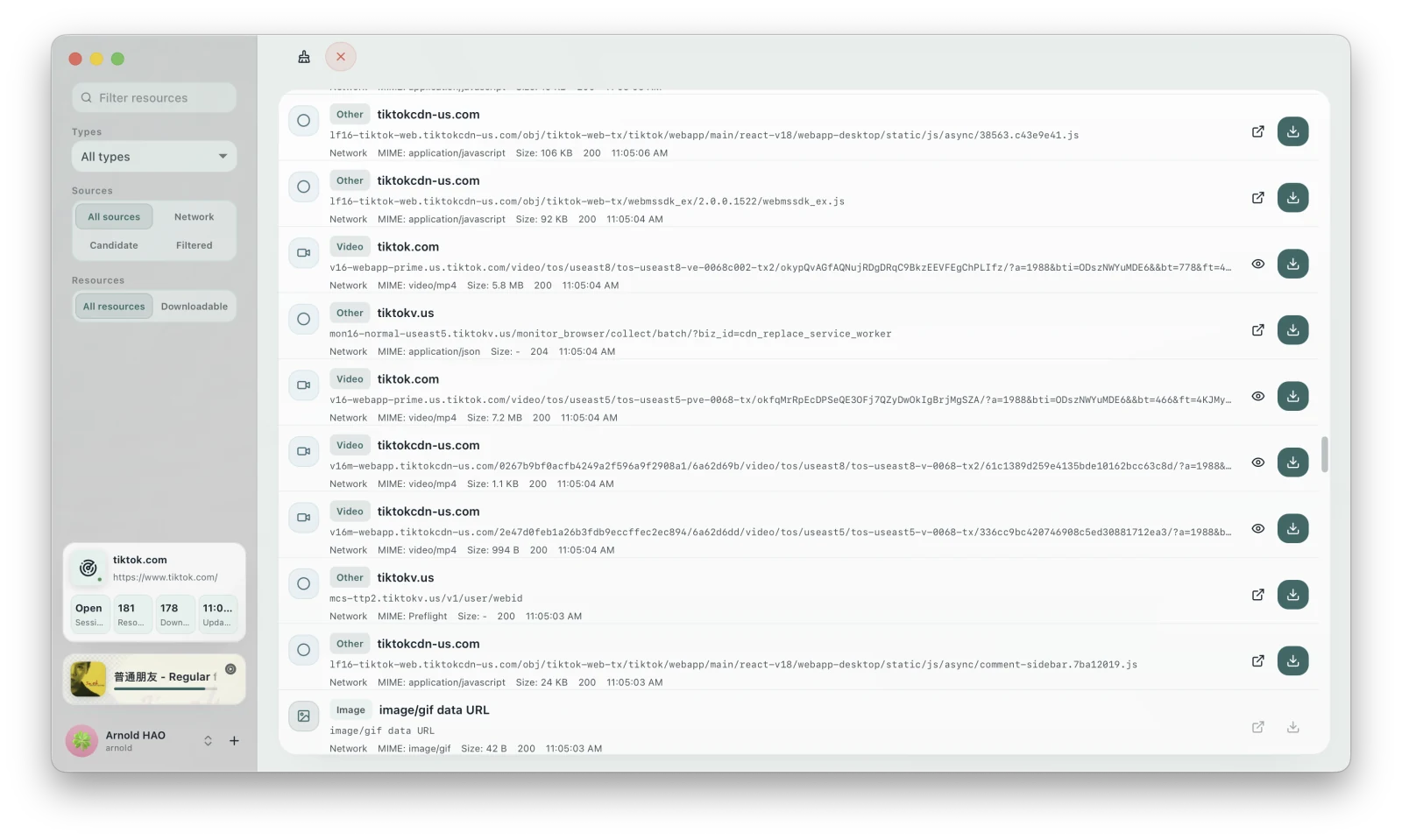
Detect and download media from webpages
Connect to your current Chrome session or use a browser profile managed by XiaDown. Open a webpage to detect video, audio, live streams, playlists, subtitles, and more, then filter, preview, or download them.
- Network media capture
- Type and source filters
- Preview and download
Browse and download YouTube Music, play local music
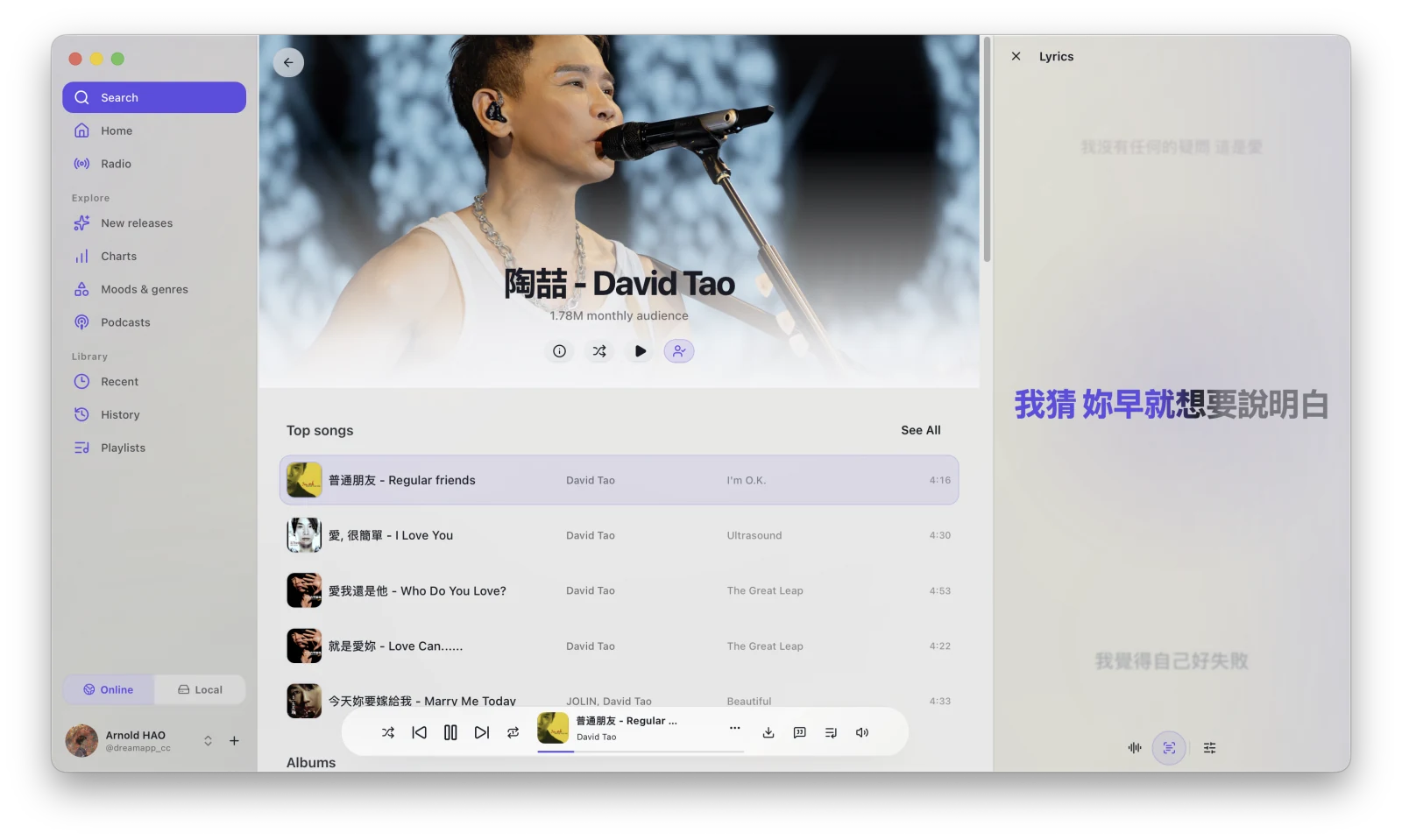
Browse YouTube Music home, albums, playlists, and songs, and download while listening. Audio in your library also appears under Local Music.
- Browse and search music
- Download to Library
- Local music playback
Browse, play, and download videos
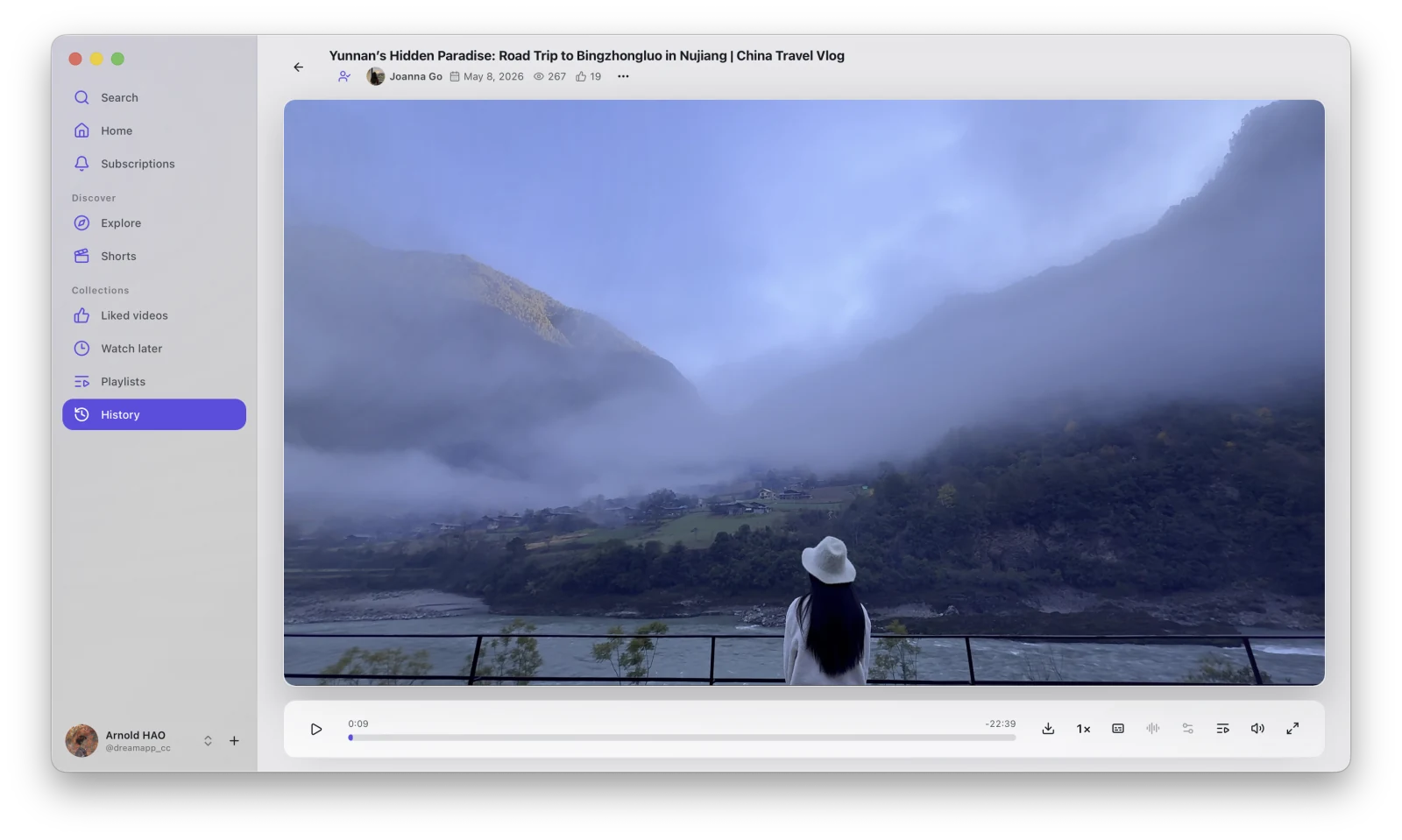
Browse the YouTube home feed, subscriptions, search results, and playlists inside XiaDown, then create a download task while a video is playing.
- Browse and search
- Video playback
- One-click download
Subscribe, read, and download media
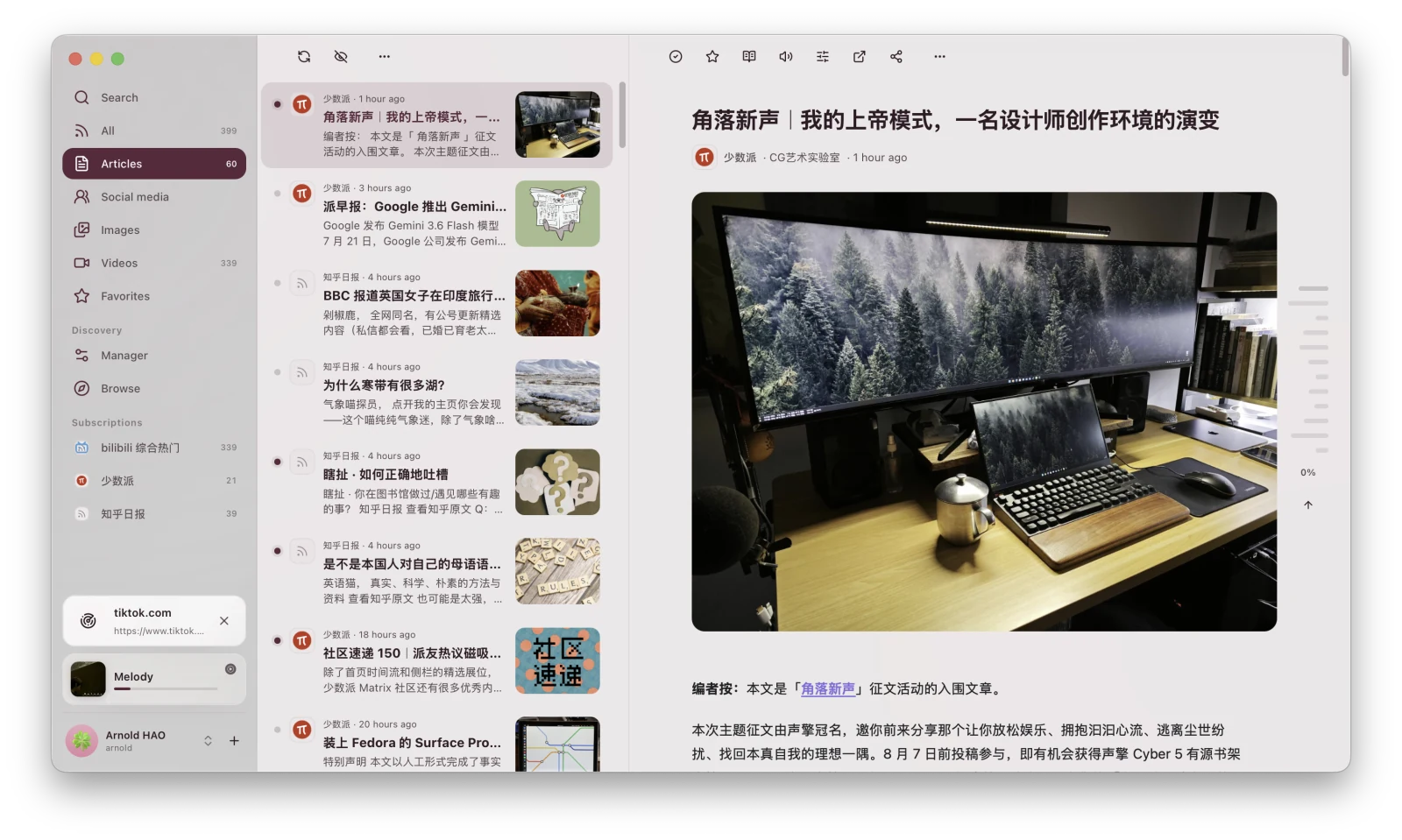
Subscribe to RSS feeds and browse updates as articles, images, or videos. Media in an entry can be turned into a download task and saved to the library.
- Feed management
- Article and media reading
- Media downloads
MOBILE
In developmentMobile
The iPhone and iPad apps are in development.
BUILT IN
Built-in tools
Manage sign-in sessions, runtime dependencies, appearance, and pets without leaving the app.
OPEN SOURCE
Built in the open
XiaDown is built with yt-dlp, FFmpeg, Go, Wails, React, and SQLite. Source code and previous releases are available on GitHub.
GitHubFAQ
Frequently asked questions
Where do completed downloads go?
Download tasks and files are added to the library. Browse, play, transcode, or manage them by task status and media type.
What webpage resources can Sniff detect?
Sniff can capture videos, audio, live streams, playlists, subtitles, images, and other resources loaded by a webpage, then provides filters, previews, and download actions.
Where does local music come from?
Local Music uses audio files in your library. Download or import audio, then browse and play it from Music.
Can I download the mobile app now?
The iPhone and iPad apps are still in development. This site will add download links when they are ready.