
Library
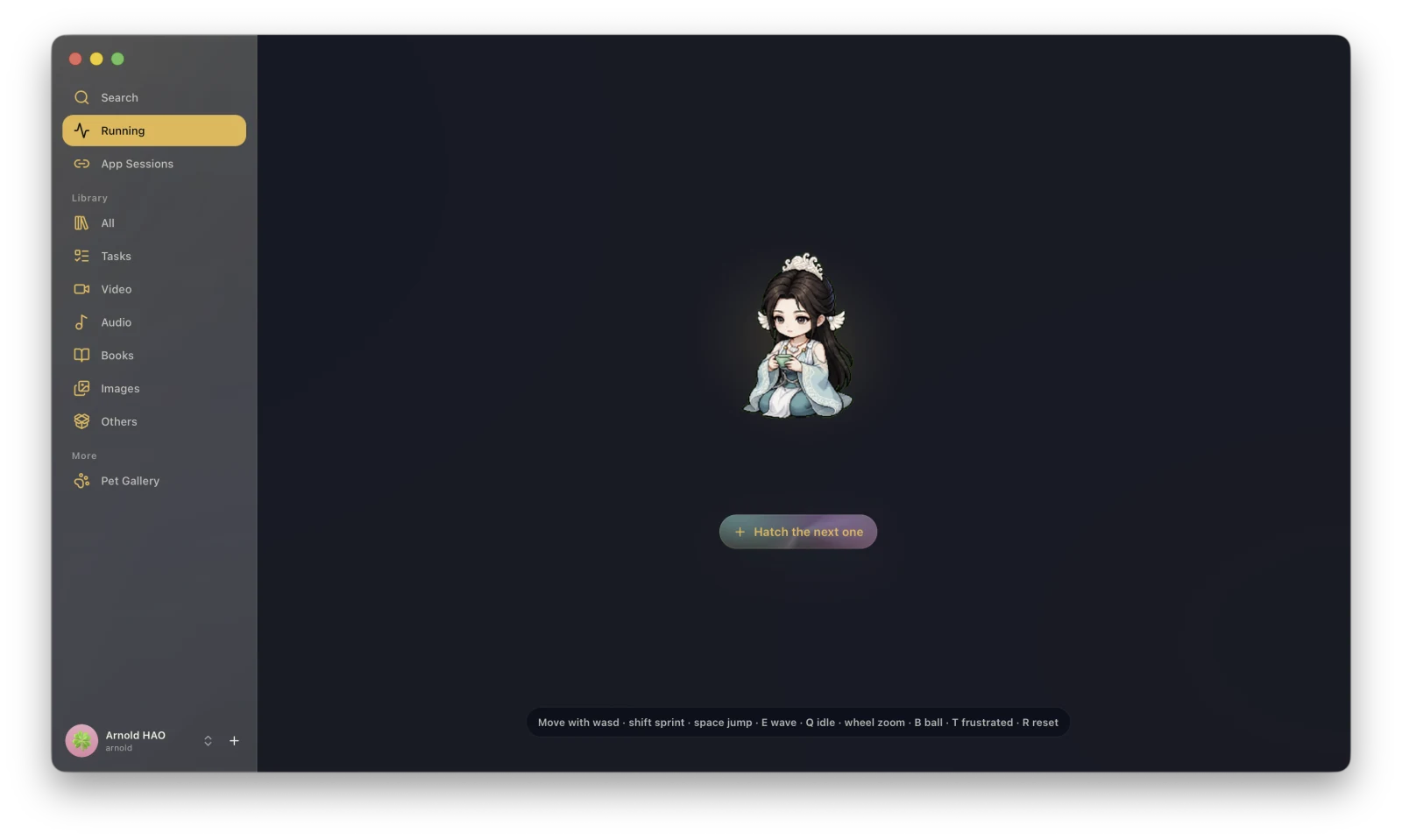
The Library creates download tasks and manages local resources. Content obtained through link downloads, sniffing, Music, YouTube, RSS, or local imports leaves a task or file record here.
Main entries
Section titled “Main entries”| Page | Purpose |
|---|---|
| Search | Find tasks and files across the Library. |
| Running | View the stage, progress, and speed of downloads and transcodes. |
| App Sessions | Sign in to sites so downloads and online clients can use your access. |
| All | View every kind of content in the Library together. |
| Tasks | View execution records by individual download, sniffing, or transcode task. |
| Video / Audio / Books / Images / Other | Browse results by file type. |
Create a task
Section titled “Create a task”Click + at the bottom of the main interface to create:
Tasks appear under Running while active. After completion, you can continue from Tasks or the corresponding file category.
Select an item
Section titled “Select an item”After you select a task or file, the details area can show its preview, information, tags, relationships, versions, metadata, and activity. The available sections depend on the media type and record state.
Manage the Library
Section titled “Manage the Library”The Library toolbar provides search, sorting, grid or list views, Deleted Items, and Manage. Under Manage, you can check directory health, configure storage roots, import local files, back up metadata, and clean invalid records.
Continue reading: